Loading…
DEVELOPER TOOLS

ollama
verifiedRun AI models freely on your PC without any bills.
star176.3k Starsfork_right17k Forks
About
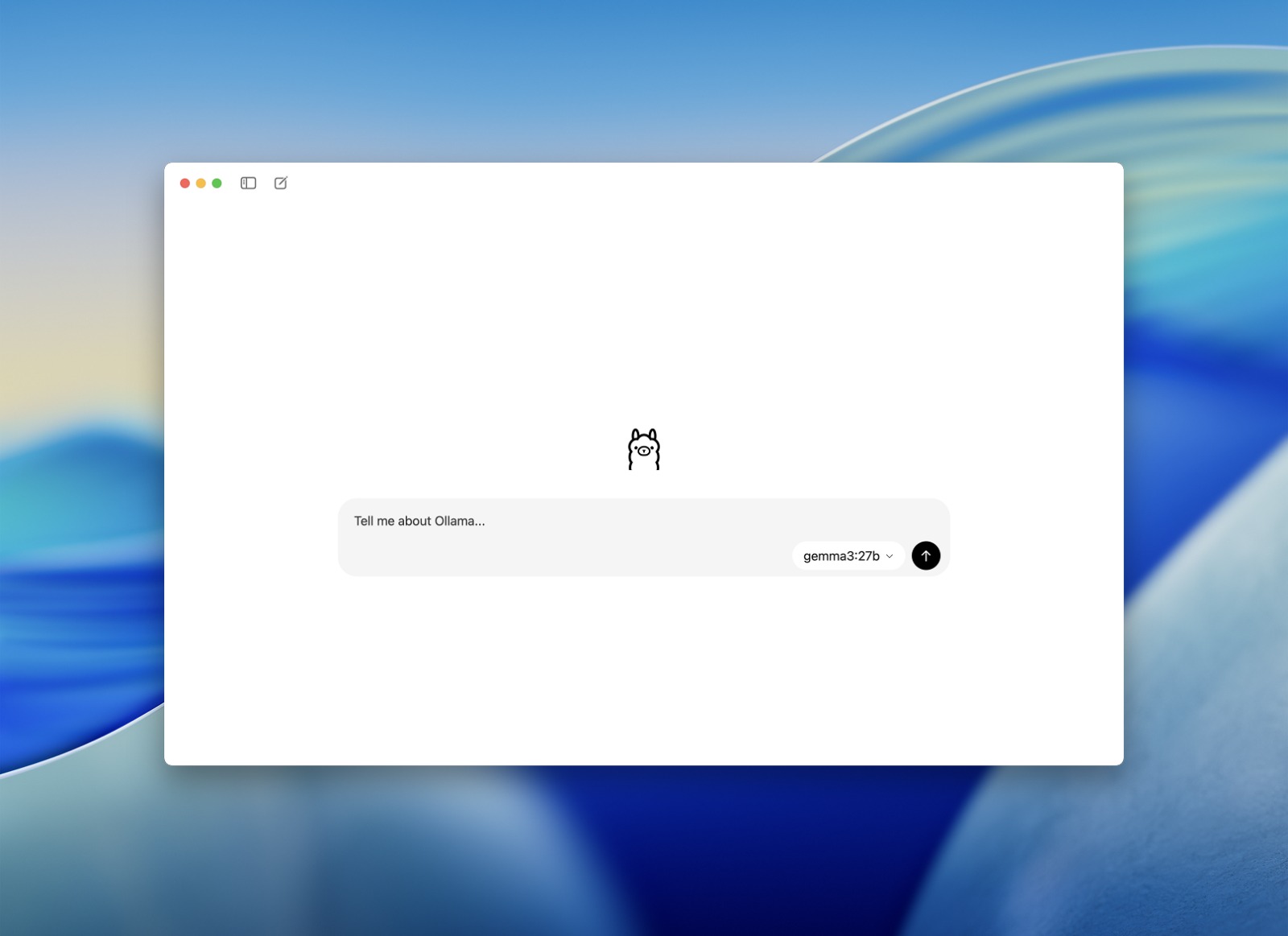
Ollama is a command-line interface that lets you run open-weight language models right on your computer. Just install it, type "ollama run gemma4", and boom, you're chatting with a model that never even left your hard drive.
It's built on llama.cpp, which is a bigger deal than it sounds. That means you get GGUF support, quantization, and GPU offload for free because Ollama uses an already-awesome inference engine instead of trying to build its own. The Go part handles managing models, the API, and the command line, while the C part does all the heavy math.
There's also a REST API chilling at localhost:11434. You can hit it directly with curl, or use the official Python and JS client libraries to skip the raw HTTP. Either way, it's the same server doing the work.
One thing to keep in mind before you install: a 7B model works fine on a laptop CPU, but if you go bigger, you'll want a GPU with good VRAM, or you'll be waiting forever for tokens to appear. Ollama won't warn you about this beforehand – it just runs whatever you tell it to, at whatever speed your hardware can handle.
gallery_thumbnailGallery
zoom_in
zoom_in
zoom_in
zoom_in
SourceOpen source
Authorollama
Since2023
LicenseMIT
Versionv0.32.1
OS
LINUXMACOSWINDOWS
Websitehttps://ollama.com
auto_awesomeSimilar & Recommended Tools
View Allarrow_forward
SourceOpen source
Authorollama
Since2023
LicenseMIT
Versionv0.32.1
OS
LINUXMACOSWINDOWS
Websitehttps://ollama.com
Capability
bolt
Local model chat
ollama run gemma4 pulls the model and opens a chat session, no separate download step.
lock
Built-in REST API
A server on port 11434 handles /api/chat and/api/ generate for any app that wants to call it.
extension
Coding agent backend
ollama launch claude or ollama launch codex puts Ollama behind Claude Code and Codex as the model provider.